How to enroll a fingerprint in the Halo Touch smart lock?
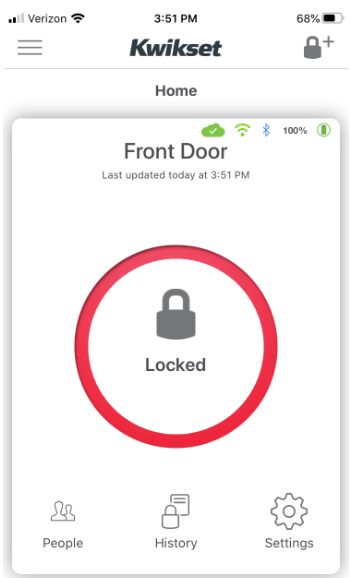
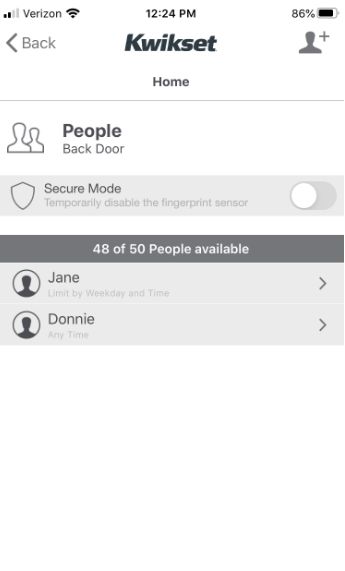
Open the Kwikset app in Bluetooth range of the lock > select “People” icon (bottom left) > select user icon (top right) > enter Name > select “Schedule Type” click “Submit” (top right)
Follow the instructions on the app to enroll your fingerprint. Make sure that fingers are dry, adjust the finger to cover the sensor with the middle portion of the finger especially when enrolling a child’s finger. Make sure to lift the finger after each successful fingerprint scan until the app shows 100% enrollment.