Kwikset

Add/Delete User Code Support

Answers

On my SmartCode 955, how to delete all user codes?

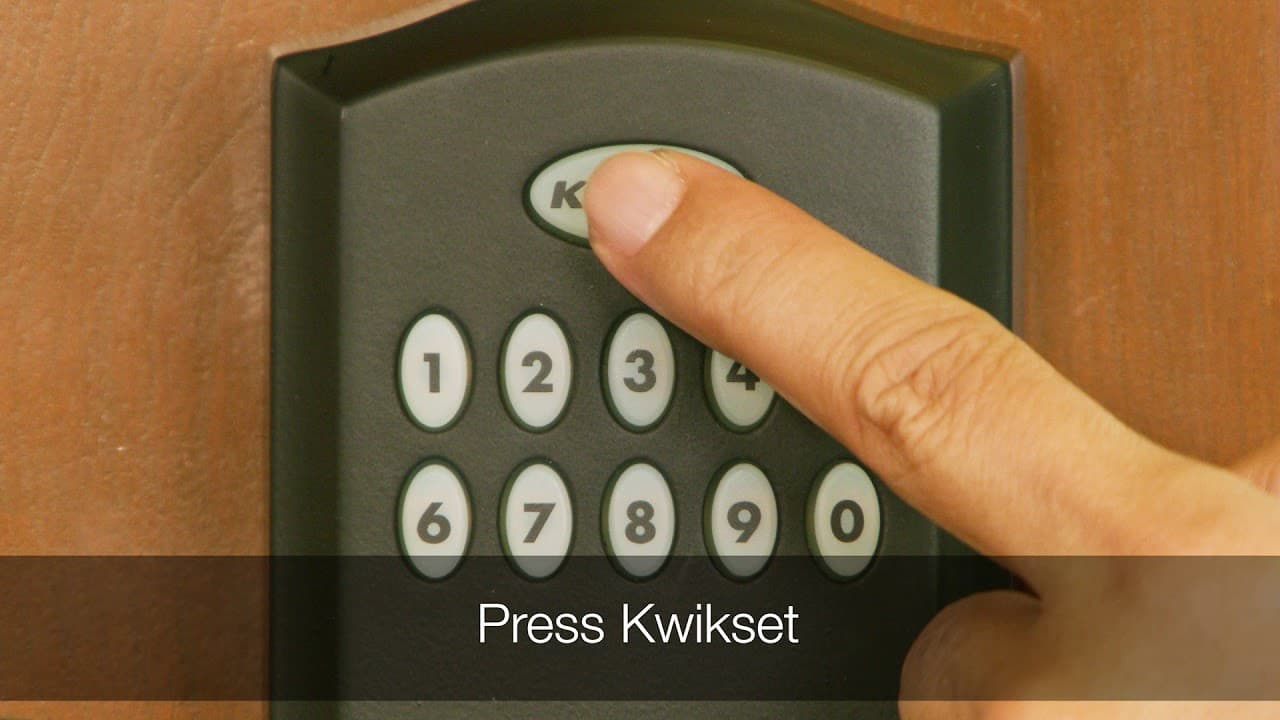
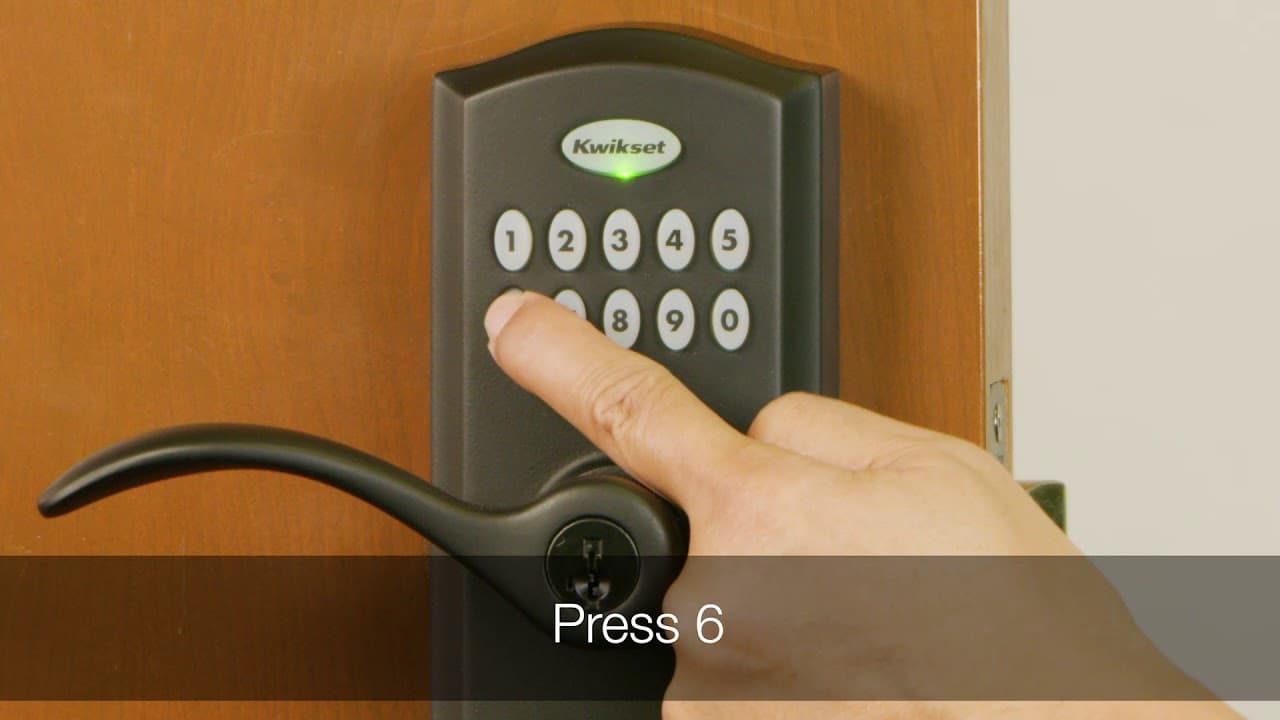
1. Make sure the door is open. 2. If you have not enabled a programming code, press and release the program button. You will hear two beeps. If you have enabled a programming code, enter your programming code, then press Kwikset. You will hear one short beep...
Read Answer

On my SmartCode 955, how many digits can my user code have?

You can program the lock to have 4 to 8 digits, although the first 4 digits need to be unique. For example, if you program a code 07041776 then you cannot use 0704 as the first 4 digits of any other code. So you cannot program 07042019. or 07042019, since the...

Read Answer

Can I add & delete codes on the SmartCode 917 from the outside without access to the interior programming button?

Yes, the lock will need to be set with a programming code so that lock settings can be changed from the outside without access to the program button on the interior.

Read Answer

How many user codes does the SmartCode 917 support?

The SmartCode 917 supports up to 30 user code between 4-8 digits.

Read Answer

How to delete a/all user code(s) on my Smartcode touchscreen?

Deleting a Single User Code with the Mastercode Disabled Note: All codes may be deleted at once if the mastercode is enabled. For more information about the mastercode, consult the online Programming and Troubleshooting Guide. 1. Keep door open. Press Program...

Read Answer

How to add a user code on my Smartcode touchscreen?

Adding User Codes with the Mastercode Enabled The procedure for adding user codes is different when the Mastercode is enabled. For instructions on how to add user codes when the Mastercode is disabled, see the Installation and User Guide that came with your...

Read Answer

How do I delete all user codes on my SmartCode?

Deleting All User Codes with the Mastercode Enabled 1. Keep door open. Press the Program button once. The keypad will flash green and you will hear three beeps. 2. Press Lock button once. 3. Enter Mastercode 4. Press Lock button once 5. Press “9” six times. 6....

Read Answer

How do I delete a single user code on my SmartCode 909/910 deadbolt or 911/912 lever?

Deleting a user code In order to delete a user code, you must override the code by adding a different user code in the same position. For example, if you want to delete the third code, add a different user code in position three. NOTE: Test the old user code...

Read Answer

How to enable/disable User Codes on my Powerbolt 2?

How to enable/disable User Codes If User Codes are disabled (example: when you go on vacation), the lock can only be operated by the key and turnpiece until they are enabled again. 1. Make sure the lock is unlocked and the door is open. 2. Enter your existing...

Read Answer

Featured Videos

Programming a One Time User Code the Kwikset Smartcode 955

Disabling all User Codes in the Kwikset Smartcode 955

Deleting all User Codes on the Kwikset Smartcode 955

supportteam2

Chat with our US-based customer service:

All Products Support

Monday-Friday: 7:00am-4:00pm PST
Saturday: 6:30am-2:30pm PST
Sundays & Major Holidays:
Closed

Electronics Technical Support

Monday-Sunday: 24 hours a day
Major Holidays: Closed

24-HR AI Chat Support

Start AI-Powered Troubleshooting 

International Customers

For countries outside the U.S. and Canada, please visit our International contact page